







Introduction
[su_spacer size=”30″]
Have you ever found yourself rummaging through a stack of business cards, trying to find the one you need? Isn’t it difficult to find something specific amongst a lot of things? Business cards may seem old school, but they’re still super important in the business world. They’re like mini billboards for ourselves. So, keeping them organized is key to making a good impression and not missing out on any opportunities.
[su_spacer size=”30″]
Overview of Business Card Organization Importance
[su_spacer size=”30″]
Now, why should we care about the organization of business cards? Imagine you meet someone amazing at a networking event. You two hit it off, and they hand you their business card. A week later, you want to contact them, but oops, where’s that card? Lost in the sea of other cards? That’s a missed opportunity right there!
[su_spacer size=”30″]
Organizing business cards is not just about being tidy. It’s about being efficient and professional. It helps you quickly find the contacts you need, follow up on leads, and build your network effectively. Plus, it reflects on your organizational skills. A messy pile of cards? Not a great look. A neat, organized system? Now that’s impressive!
[su_spacer size=”30″]
So, what do you think? Isn’t it important for a professional organizer business cards to keep those little cards in check?
[su_spacer size=”30″]
Streamlining Your Business Card Collection
[su_spacer size=”30″]
[su_divider top=”no” divider_color=”#000000″ link_color=”#000000″ size=”0″ class=”cb-overview-divider cb-divider”]
[su_spacer size=”30″]
[su_divider top=”no” divider_color=”#000000″ link_color=”#000000″ size=”0″ class=”cb-overview-divider cb-divider”]
Let’s dive into some super handy ways to organize and the best places to put unique ideas on business cards to avoid piling them up in your drawers and pockets. Trust me, keeping them sorted isn’t just neat, it’s a lifesaver for networking and staying connected!
[su_spacer size=”30″]
Simplifying Card Chaos
[su_spacer size=”30″]
Digital Management Apps
[su_spacer size=”30″]
Tired of overflowing cardholders and lost connections? Embrace the future of networking with digital business cards! Pocket-sized powerhouses, instantly share your information with a tap and live forever in your contacts’ devices. No more clutter, no more lost leads – just smooth connections, effortless management, and a powerful digital footprint.
[su_spacer size=”30″]
Imagine all your business cards neatly stored in your phone! Digital management apps are amazing for this. Just scan your cards and voilà, they’re safely stored and easily searchable. No more digging through stacks of cards to find that one contact! Ready to say goodbye to the paper chase?
[su_spacer size=”30″]
Card Scanning Solutions
[su_spacer size=”30″]
These are like magic wands for your cards! You scan the cards using a special scanner, and the details get converted into digital data. It’s super quick and a real space-saver.
[su_spacer size=”30″]
Business Card Binders
[su_spacer size=”30″]
Old school but gold! Business card binders have clear sleeves where you can slip in your cards. They’re perfect for seeing all your contacts at a glance and flipping through them feels kind of nostalgic, doesn’t it?
[su_spacer size=”30″]
Rotary Card Organizers
[su_spacer size=”30″]
Ever seen those business card stand holders on desks? They’re rotary card organizers. Just flick through to find the card you need. In addition, they have an aesthetically pleasing appearance when displayed on your desk.
[su_spacer size=”30″]
Classic business card holder Binders
[su_spacer size=”30″]
These are like the binders you used in school but for business cards. They’re simple and effective, and you can label the sections to find cards faster. No tech is required!
[su_spacer size=”30″]
Card Holder Essentials
[su_spacer size=”30″]
These are small, portable holders you carry in your bag or pocket. Perfect for when you’re on the go and need a few important cards handy.
[su_spacer size=”30″]
Sleek Card Cases
[su_spacer size=”30″]
Want to impress? Go for a sleek card case. They’re stylish and compact, and make you look super professional when you whip out a card.
[su_spacer size=”30″]
CRM Integration
[su_spacer size=”30″]
For the tech-savvy, integrating your cards with a Customer Relationship Management (CRM) system is brilliant. It keeps your contacts synced with your business tools. Super-efficient!
[su_spacer size=”30″]
Box Storage
[su_spacer size=”30″]
Simple but effective! Just use a business card organizer box to store your cards. You can get fancy with dividers or keep it straightforward. Either way, it gets the job done.
[su_spacer size=”30″]
Smartphone Card Photos
[su_spacer size=”30″]
Last but not least, just snap a photo of the cards with your smartphone. It’s quick and easy, and you always have your phone with you, right?
[su_spacer size=”30″]
So, which method are you going to try first? Do you think one of these could turn your business card chaos into an organized dream?? But remember, Design shouldn’t drain your wallet. Make sure your card’s impact outweighs its cost. These tips to navigate how much to charge for designing a business card understand project value, and land a stunning card that fits your budget!
[su_spacer size=”30″]
Section 2: Business Card Organization Tips
[su_spacer size=”30″]
Business cards are like those little rectangular sidekicks we carry around, helping us make connections and keep track of important people we meet. Ever thought about how to keep them organized? Let’s break it down with some easy-to-follow tips and tricks!
[su_spacer size=”30″]
Organizational Strategies
[su_spacer size=”30″]
First things first, we need a game plan for organizing these business cards. You know, so we don’t end up with a messy pile that looks like a deck of cards exploded on our desk. It’s all about finding a system that works for you and sticking to it.
[su_spacer size=”30″]
Storage: Digital vs. Physical
[su_spacer size=”30″]
Now, where to keep these cards? There are two main options: digital or physical. It’s like choosing between storing music on your phone or keeping a bunch of CDs.
[su_spacer size=”30″]
Digital: This means scanning the cards and saving the info on your phone or computer. It’s like having a digital treasure chest of contacts! Apps can even help you organize them. Super handy when you’re on the go and don’t want to carry a stack of cards.
[su_spacer size=”30″]
Physical: Old school but still cool. You can use business card holders, business card file folders, or even a special drawer. It feels great to flip through them, and you get to admire the designs!
[su_spacer size=”30″]
Sorting Methods
[su_spacer size=”30″]
Once you’ve picked your storage method, it’s time to sort those cards. Think of it like organizing a candy store – you want to find exactly what you need, when you need it.
[su_spacer size=”30″]
Alphabetical: Easy-peasy. Sort them like the alphabet book you had as a kid.
[su_spacer size=”30″]
By Industry: Group them by fields like tech, education, or healthcare. It’s like sorting your toys into different bins.
[su_spacer size=”30″]
By Date: Keep track of when you received them. It’s like a timeline of your networking adventures.
[su_spacer size=”30″]
Priority: Sort by how important the contacts are to you. It’s like putting your favorite snacks on the top shelf!
[su_spacer size=”30″]
Card Retention Decisions
[su_spacer size=”30″]
This is like deciding which clothes to keep in your closet. You can’t keep everything, so here’s what to think about:
[su_spacer size=”30″]
Relevance: Is this contact still useful? If you met someone from a circus and you’re an accountant, maybe it’s not a match.
[su_spacer size=”30″]
Recency: If the card is super old and you haven’t been in touch, maybe it’s time to say goodbye.
[su_spacer size=”30″]
Condition: If it looks like it survived a coffee spill and a trip through the washing machine, it might be time for it to go.
[su_spacer size=”30″]
Section 3: Storage Solutions and Digital Tools
[su_spacer size=”30″]
[su_divider top=”no” divider_color=”#000000″ link_color=”#000000″ size=”0″ class=”cb-overview-divider cb-divider”]
[su_spacer size=”30″]
[su_divider top=”no” divider_color=”#000000″ link_color=”#000000″ size=”0″ class=”cb-overview-divider cb-divider”]
Organizing business cards doesn’t have to be a daunting task. With these magic card storage ideas you can turn chaos into order, and who knows? You might even have a bit of fun sorting through those little rectangles of opportunity. What’s your favorite way to keep your business cards organized? Ever found a unique or helpful method?
[su_spacer size=”30″]
You know, in our fast-paced world, keeping things organized, especially digitally, can be a real game changer.
[su_spacer size=”30″]
Advanced Storage Options
[su_spacer size=”30″]
Digital Tools Overview
[su_spacer size=”30″]
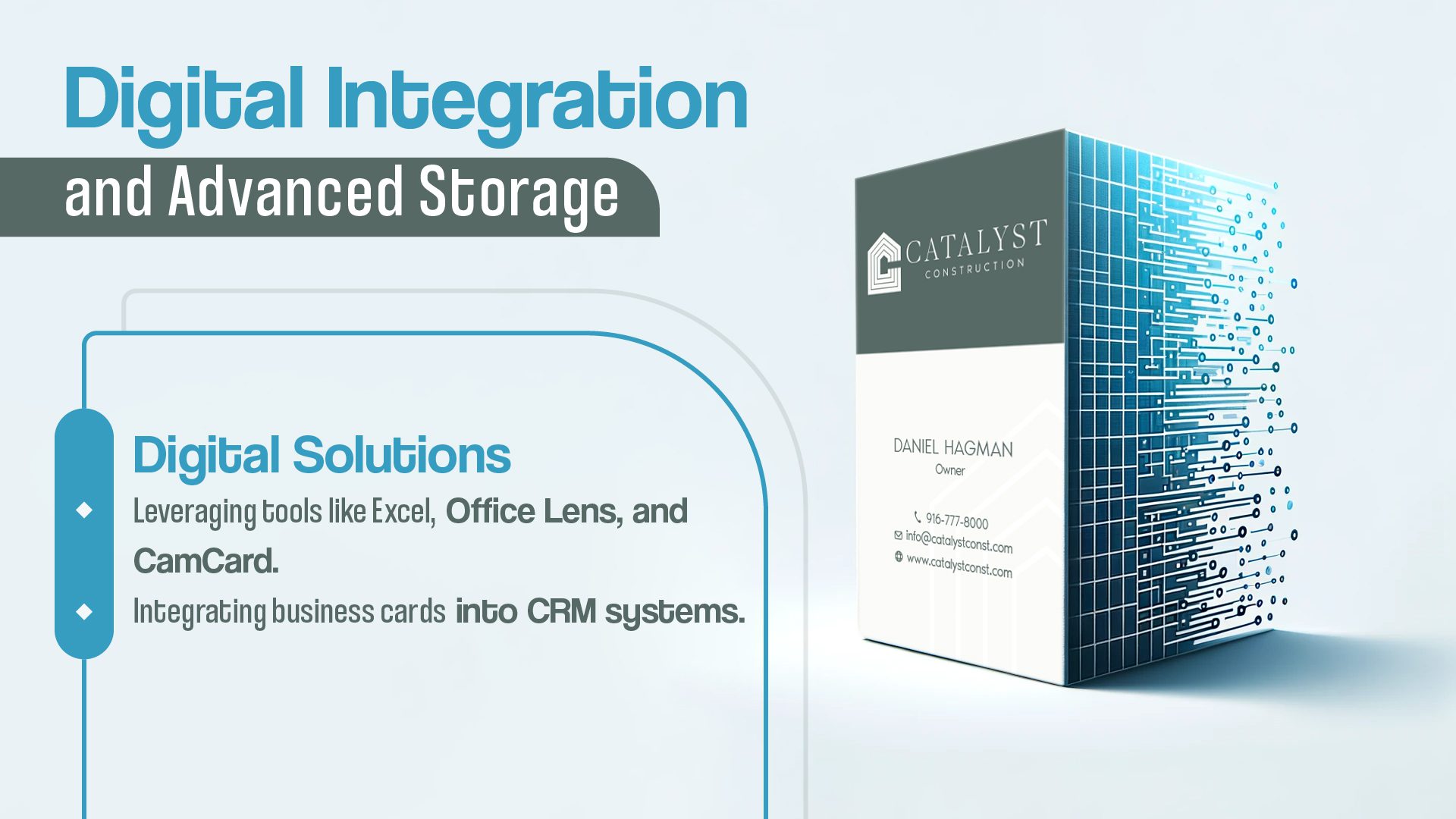
Imagine having a magic wand that sorts all your digital stuff in a jiffy. Well, digital tools are kind of like that! They’re software or apps that help you store, organize, and find your digital files or information super easily. It’s like having a neat, invisible filing cabinet on your computer or phone.
[su_spacer size=”30″]
Digital Storage Strategies
[su_spacer size=”30″]
Now, how do we make the most of these tools? It’s all about strategy. Think of it as a game plan for your digital life. For example, using cloud storage means you can access your files from anywhere – it’s like having a backpack that you can reach into from anywhere in the world. Pretty cool, right?
[su_spacer size=”30″]
Excel for Card Organization
[su_spacer size=”30″]
Guess what? Excel isn’t just for boring spreadsheets. It can be a powerful tool to organize stuff like business cards. Imagine turning a pile of cards into a neat, searchable list. Just type in the details from each card into Excel, and voila, you’ve got an organized, easy-to-search digital Rolodex!
[su_spacer size=”30″]
Office Lens Usage
[su_spacer size=”30″]
Ever wished you could magically turn a physical document into a digital one? Enter Office Lens. It’s like a scanner in your pocket. Snap a picture of a document, and the app converts it into a neat, digital file. Say goodbye to piles of paper!
[su_spacer size=”30″]
Cam Card Management
[su_spacer size=”30″]
If you’re drowning in business cards, Cam Card is your lifeline. Snap a photo of a card, and the app reads and stores the information. It’s like having a personal assistant who organizes all those cards for you. No need for the constant search of “Where did I place that card?” anymore.
[su_spacer size=”30″]
Using Cove
[su_spacer size=”30″]
Cove is like a super-smart address book. It not only stores contact information but also reminds you to stay in touch with people. It’s perfect for networking or just keeping up with friends and family. Think of it as your personal relationship manager.
[su_spacer size=”30″]
Infographic: Storage Methods
[su_spacer size=”30″]
Imagine a colorful, easy-to-understand picture (an infographic) that shows all these storage methods. It’s like a map that guides you through the world of digital organization. You can see at a glance how to store your digital stuff, from cloud storage to apps like Excel and Cove.
[su_spacer size=”30″]
In today’s competitive landscape, your business card needs to be an experience, not just an exchange. Our expert business card design services combine the power of minimalism with cutting-edge trends to create cards that spark conversations and leave a lasting digital footprint. No more lost connections, no more paper clutter – just effortless networking and a brand that shines.
[su_spacer size=”30″]
So, there you have it! A little journey through the land of digital organization. Isn’t it amazing how these tools can turn chaos into order? What’s your favorite digital tool to keep your business card album tidy?
[su_spacer size=”30″]
Section 4: Decluttering Your Business Cards
[su_spacer size=”30″]
[su_divider top=”no” divider_color=”#000000″ link_color=”#000000″ size=”0″ class=”cb-overview-divider cb-divider”]
[su_spacer size=”30″]
[su_divider top=”no” divider_color=”#000000″ link_color=”#000000″ size=”0″ class=”cb-overview-divider cb-divider”]
Let’s chat about something we all face: too many business cards cluttering up our space. You know how it is, you go to a meeting or a conference, and you come back with a pocket full of cards. Before you know it, they’re all over your desk, in your drawers, just everywhere! So, let’s dive into some easy-to-follow tips to declutter those pesky cards and keep your workspace neat.
[su_spacer size=”30″]
Decluttering Tips
[su_spacer size=”30″]
First things first, let’s talk about decluttering. It’s like tidying up your room but for your business cards. It’s all about keeping what you need and saying goodbye to what you don’t. Trust me, it’s not as hard as it sounds!
[su_spacer size=”30″]
Essential Decluttering Strategies
[su_spacer size=”30″]
Here’s the fun part: sorting through your cards. Think of it like a treasure hunt. You’re looking for the cards that matter. You can think about whether you need to stay in touch with this person. If the answer is a big “Yes!” keep the card. If it’s a “Maybe?” Or simply say, “No,” and let it go.
[su_spacer size=”30″]
But hey, don’t just toss them in the trash. Think about the environment! Maybe recycle them, or get creative and use them for a DIY project. Who would have thought that business cards could be so enjoyable?
[su_spacer size=”30″]
CRM Tips for Business Cards
[su_spacer size=”30″]
Now, let’s talk tech. ever heard of CRM? It stands for Customer Relationship Management. It’s like a digital helper that keeps all your contacts in one place. Super handy!
[su_spacer size=”30″]
So, here’s a cool idea: take those important business cards and put their info into a CRM system. This way, you can easily find who you’re looking for, send emails, make calls, and keep track of your conversations. It’s like having a super-organized assistant on your computer!
[su_spacer size=”30″]
Conclusion
[su_spacer size=”30″]
Final Thoughts on Business Card Management
[su_spacer size=”30″]
Alright, we’ve talked about sorting and storing your business cards. Remember, it’s all about keeping what’s important and finding a smart way to store it. Whether you’re a fan of old-school filing or love a good digital system, the key is to keep it simple and manageable. This way, you can focus on what matters: building great relationships and growing your business.
[su_spacer size=”30″]
Want your business card to be remembered, not tossed? Our guide is your secret weapon! Our guide shows you how to design, share, and track connections like a pro – all on your phone. No more clutter, just smooth networking, and lasting impressions.
[su_spacer size=”30″]
So, how about you? Ready to tackle that pile of business cards and turn chaos into calm? Let’s do it! And hey, have you ever found a unique business card in your collection? Share your story.
[su_spacer size=”30″]
FAQS
[su_spacer size=”30″]
What is the most effective method for organizing business cards?
[su_spacer size=”30″]
The best way to organize business cards is to use a digital contact management system or a physical card holder with dividers for different categories or alphabetical order.
[su_spacer size=”30″]
How can I make my business card stand out from others?
[su_spacer size=”30″]
To make your business card unique, you can use creative designs, unique fonts, appealing visuals, and include relevant and memorable information about your business.
[su_spacer size=”30″]
How should business card stacks be organized?
[su_spacer size=”30″]
To organize business card stacks, you can alphabetize them, categorize them by industry or purpose, or use a digital scanning app to store them digitally.
[su_spacer size=”30″]
How should business cards be managed or handled?
[su_spacer size=”30″]
When you receive a business card, handle it carefully and respectfully. Consider reading it, noting any important details, and then storing it in a safe place or adding it to your digital contact list.